Have you been using
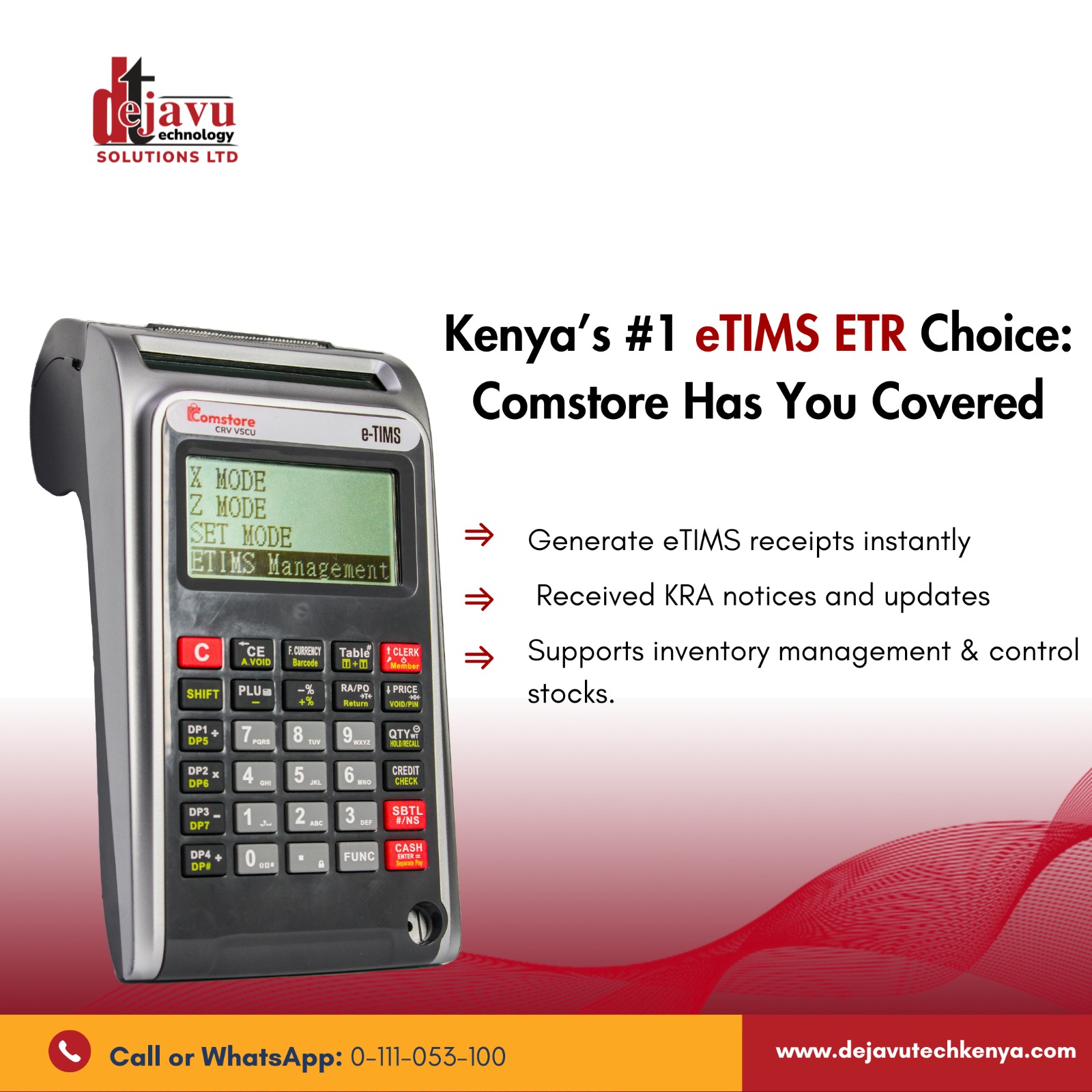
Dejavu Aclas CRBX ETR machine and the boom an error is generated and then you don't know what else to do with the awesome machine? Worry no more here is a detailed and very comprehensive user manual:
Sales Mode (Clerk 1 mode)
- Sales by department:
- Switch on the device then press 'C' Button.
- Ensure you have the sales mode display "Clerk 1 0.00".
- Enter/Key in Total sales amount (should always be VAT inclusive where applicable)
- Press VAT keys/Buttons (DP1/DP5- )=14%, (DP2/DP6 *)=0%, (DP3/DP7_)=EXEMPT to let the machine do the VAT computation on the amount/value entered.
- Press SBTL/ SUBT key to confirm the correctness of the amount entered.
- Press the CASH Button and the device generates a fiscal receipt.
- Slightly get the fiscal receipt generated and then press CASH Button to regenerate Duplicate Fiscal Receipt.
NB: Amount entered at one instance should range between
(Kshs 10.00 - Kshs 9,999,999.00). In-cases where the amounts are more than Kshs 9,999,999.00, you expected to split the amount in such a way its less than 9M.
E.g your amount is 20M, You can split the amount like 9M + 9M + 2M = 20M.
Way of entering. Enter the first amount 9M then press
(DP1/DP5- ) if its VAT inclusive, if is not VAT inclusive then
(DP2/DP6 *), then
Enter the second amount following the same procedure and then the third
amount. Once you have entered all the amounts press
SUBT Button to
confirm the Computation, if the amount displayed is correct then press
cash to complete your sale and get a Fiscal receipt. And if the amount
calculate is incorrect press
SHIFT Button and then press
(EC/ A.VOID) button. This cancels the transaction. Note you can Only cancel transaction before pressing Cash Button.
2. To Log-Out of clerk Mode
- Press Button 0, Then Clerk Button.
3. To Login to Clerk Mode
- While the machine displays Clerk 1: LOGOUT, Press Button 1, Then press Clerk Button, The machine displays enter Password, Enter default password "0000" and then press Cash Button.
4. Z Report generation (Also known as End of the day Report)
- While the machine displays Clerk 1, Press Clerk Button twice to Z-Mode, Then press Cash Button, Enter Password "0000" then cash, then on Daily Z press Cash the machine generates the daily report.
5.Generating The monthly report
- While the machine displays Clerk 1, Press Clerk Button twice to Z-Mode, Then press Cash Button, Enter Password "0000" then press cash button,
- Press Clerk button once to Fiscal Report then press Cash Button.
- Press Clerk button to Summary Report. Then press Cash on from date to date
- Press Cash once and the machine shows FROM (DDMMYYddmmyy), Enter the first day and the last day of the month in this format: (0101202031012020). Key (01 & 31)= first and last day of the month, (01) = month, and ( 2020 )= year.
- Press Cash button and the machine prints out the monthly fiscal report.
- Note the machine is highly programmed and well tested, so incase of errors or doubts in machines computations please consult Dejavu Technical Department 0725872744.
Common Operation Errors in Dejavu Aclas CRBX and there possible solution.
1. Error 1 - means the function pressed is incorrect. Possible solution press C Button and re enter the functions again.
2. Error 30 - means you have not generated /cleared daily report - possible solution generate daily report, you can achieve this by going to Z mode and following the procedure above on Z Report generation (Also known as End of the day Report).
3. Error 87 - Short circuit or low battery means that the RAM battery (CMOS Battery) has drained its power, - possible solution is taking the to Dejavu Technical Department for replacement.
4. Error 114 - means need to adjust the date and time -possible solutions is to take to Dejavu Technical Department for soft date/Time adjustment after a hardware reset is performed. This helps machine to maintain all transactions and also keep the memory working well. The hardware Reset helps the machine to clear all cached data and also clear any bug in the RAM.
5. Error 112 (SD CARD ERROR) - means that the Secondary storage (Commonly called SD card is faulty ) .Possible solution is to take it to
Dejavu Technical Department for replacement.
6. Error 62 (No paper for printer error) - Means no thermal roll inserted for print outs / receipts. Possible solution is to correctly insert a new thermal roll paper in the machine. How to insert the paper, check manufacturers manual.
for more call us at: 0712097340 / 0711558758 / 0726106253 / 0722998360